 Ashington OS
Windows may have stopped working. Your files may still be readable.
When Windows will not start, the files stored on the computer are not necessarily lost. The problem may prevent Windows from loading while leaving your photographs, tax records, schoolwork and business documents readable on the drive.
Ashington OS starts independently from USB, giving you another way to access that storage. Recover Files lets you choose a detected drive, open it read-only, browse accessible folders, and copy the files you need to a separate USB drive or external disk.
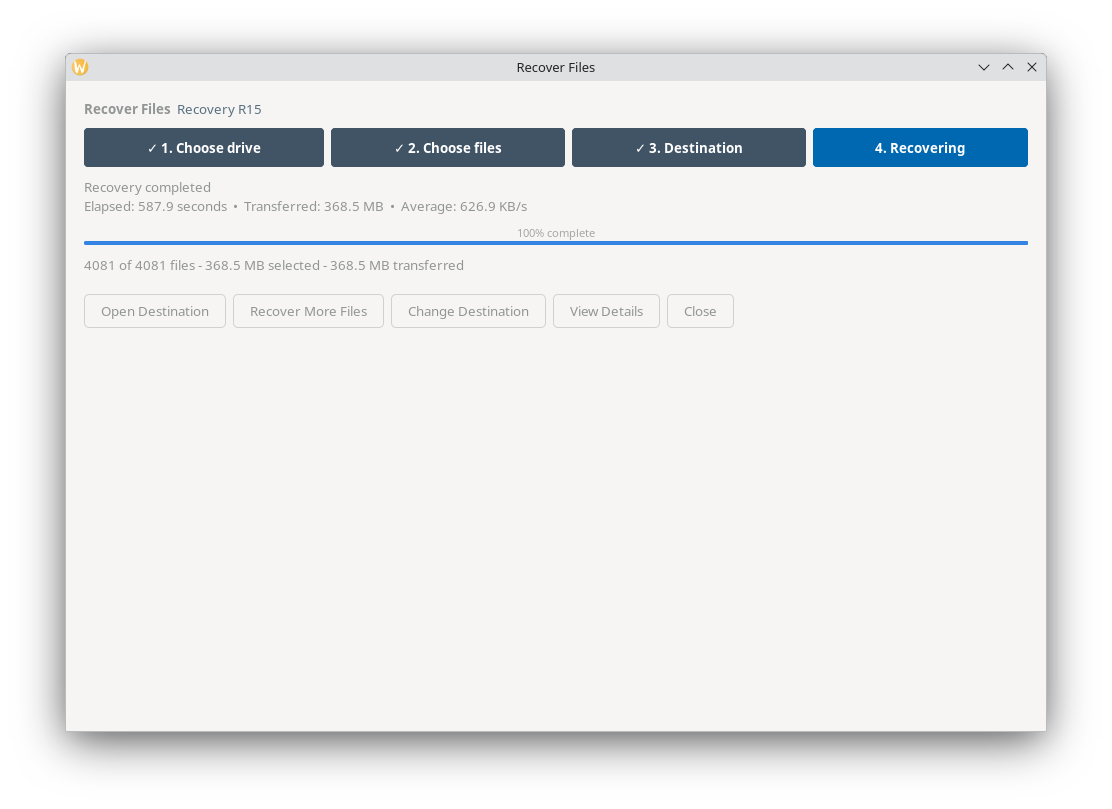
Find your files and copy them to another drive
Start Ashington OS from USB
Choose the Ashington OS drive from the computer’s startup menu.
Select the source drive
See detected storage with practical details such as size, file system and mount status.
Mount it read-only
Open the source without enabling normal write access.
Choose what to recover
Select important files or folders instead of copying everything blindly.
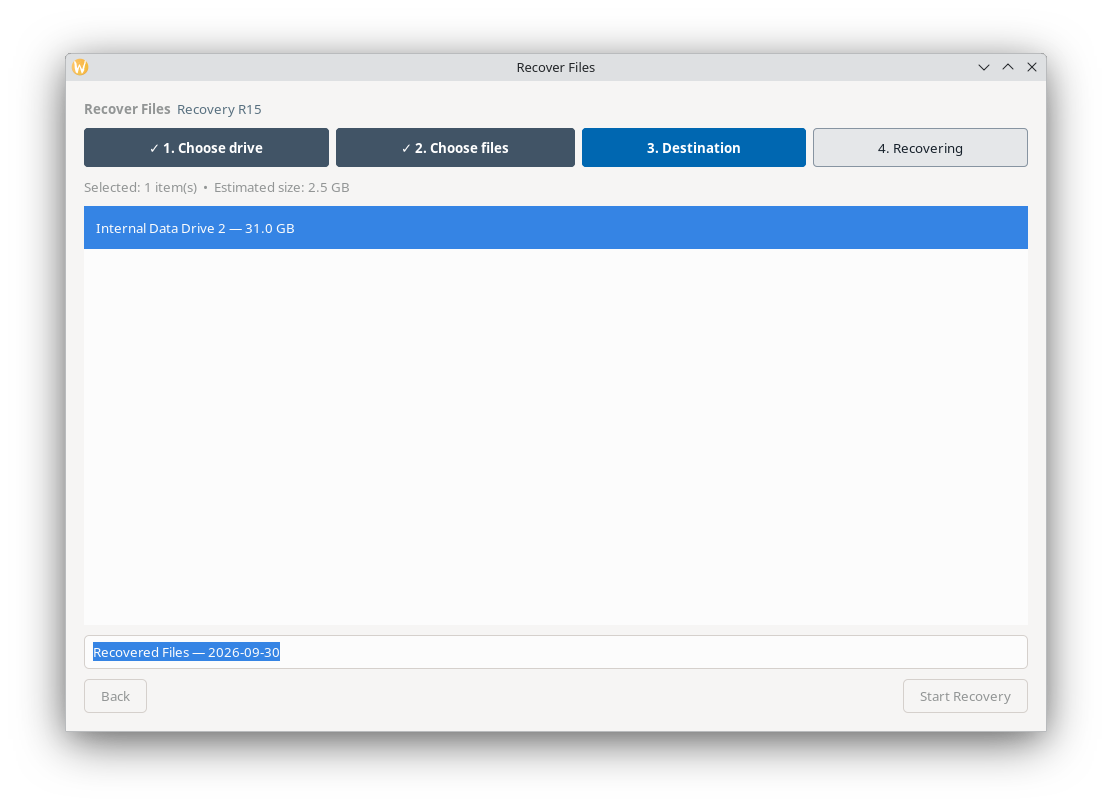
Select a separate destination
Use another USB drive or external disk with sufficient space.
Copy with visible progress
Monitor the transfer, keep partial work when possible, and review any files that could not be read.
Protection built into the workflow
- The source must be opened read-only before recovery begins.
- The destination must be writable and physically separate from the source.
- A same-device destination is refused to reduce the chance of self-overwriting.
- The copy process is designed to retain partial files and continue past some read errors.
- Logs help identify files that succeeded or failed.
- Unmount and safe-eject controls help finish the session cleanly.
Honest limits matter
Ashington OS cannot guarantee recovery from every computer or drive. A file may be inaccessible because it was deleted, encrypted, badly corrupted, stored on unsupported hardware, or located on a mechanically failing device.
The initial recovery workflow is intended primarily for accessible files on a computer that cannot boot normally. It is not a substitute for a clean backup, specialist forensic recovery, or professional repair.