 Ashington OS
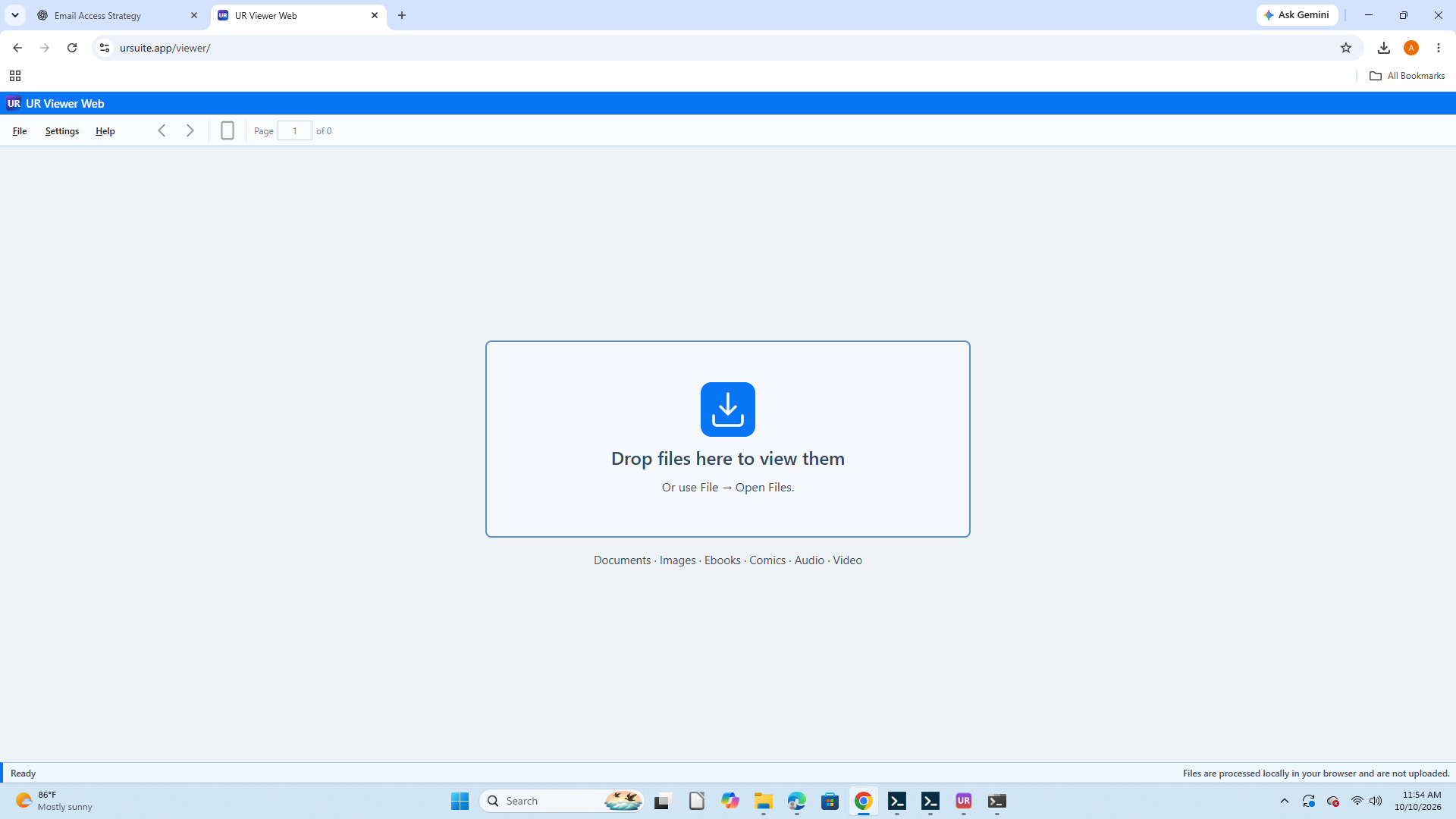
Open the Viewer first, then choose your file.
Connect when needed
Use KDE’s standard Network & Wi-Fi controls to choose an available network.
Open UR Viewer Web directly
The Home action opens ursuite.app/viewer in Chromium—without sending you through Dolphin first.
Choose your local file once
Use the Viewer’s File → Open Files menu and select a compatible file from an accessible location, such as the separate drive containing your recovered files.
The first time you open a browser after starting Ashington OS, Firefox may take about two minutes to appear and Chromium about one minute. These are observed waits on a test PC; your computer and USB drive may take more or less time. Later openings in the same session are usually much faster. The wait alone does not mean the browser has stopped working.
One Viewer for many kinds of files
Reading and presentation
Supported PDFs, ebooks, comics, images, presentations, text and source files.
Audio and video
Supported music, movies and captions, subject to browser and operating-system codec support.
Microsoft Word and Excel documents are outside the current UR Viewer Web scope. LibreOffice is not included because DOCX and XLSX rendering can differ from Microsoft Office. Protected, damaged, or unsupported files may require their original platform.
Online application. Local file processing.
The internet connection delivers the UR Viewer Web application to the browser. The compatible file you select is then read and rendered locally by that browser rather than uploaded to a UR Suite server.
This is especially useful when Windows will not start and the application previously associated with the file—such as Acrobat, PowerPoint, a photo viewer, ebook reader or media player—is inaccessible.
What Open Files requires
- A working internet connection in Ashington OS.
- A compatible file that remains readable.
- Browser and system support for any required media codec.
- The correct password for password-protected content.